
- Navigate to the Reformer Pro Portal: https://reformerpro.yourreformer.net/
- On the login screen, click Forgot Password?
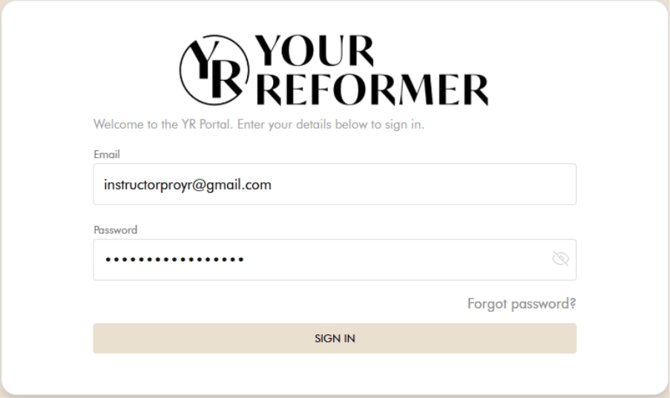
- You will be redirected to the password reset page.
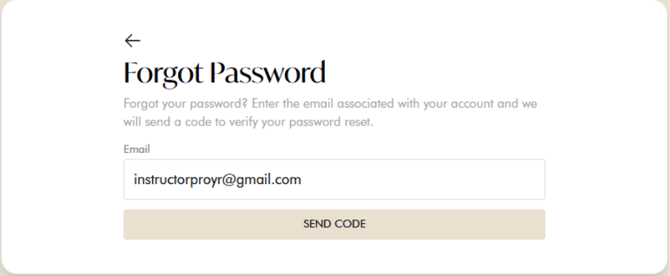
- Click Send Code.
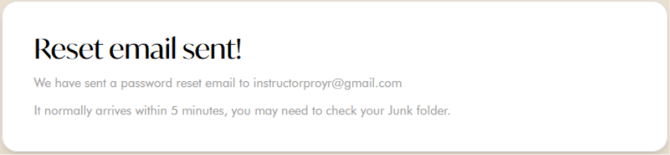
- Check your email inbox for a password reset email from the Reformer Pro Portal.
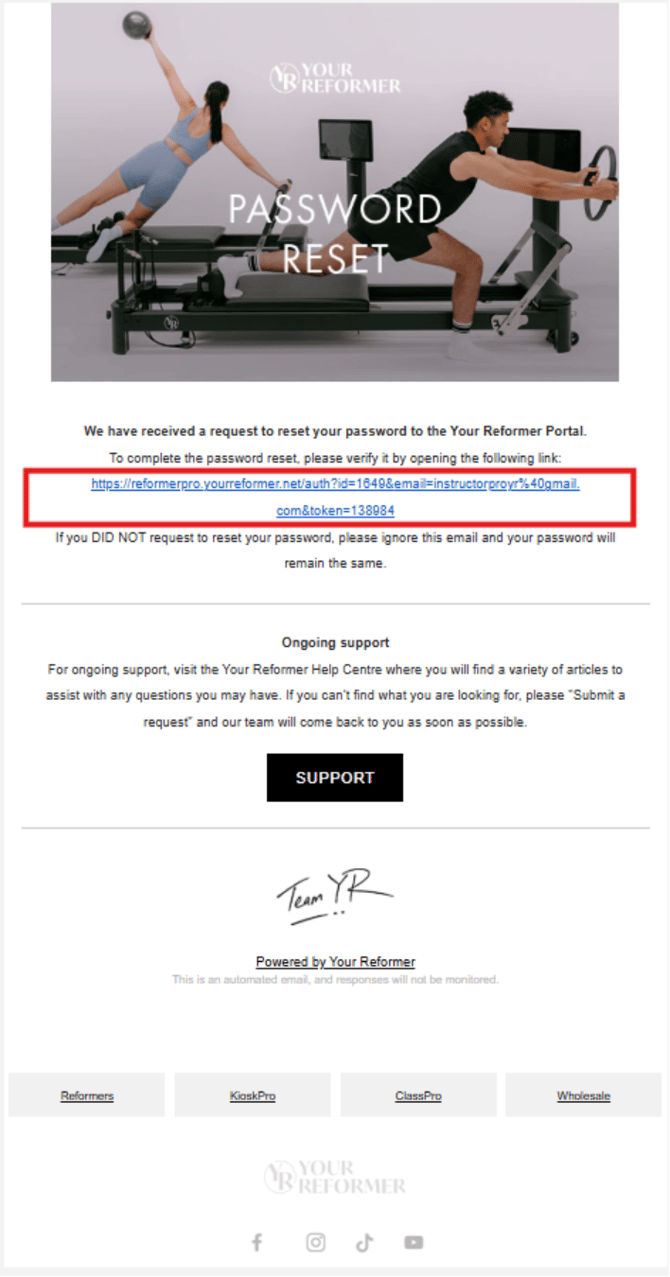
- Open the email and click the password reset link.
- On the password reset page, enter your new password and re-enter it to confirm.
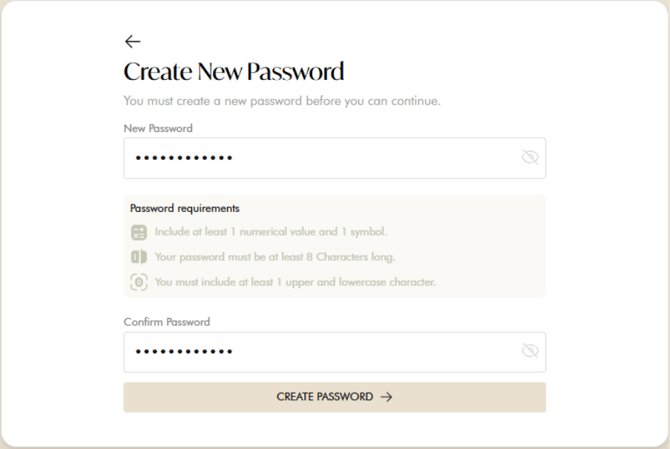
- Click Reset Password to complete the process.
- Once your password has been successfully reset, you will be automatically logged in to the portal.